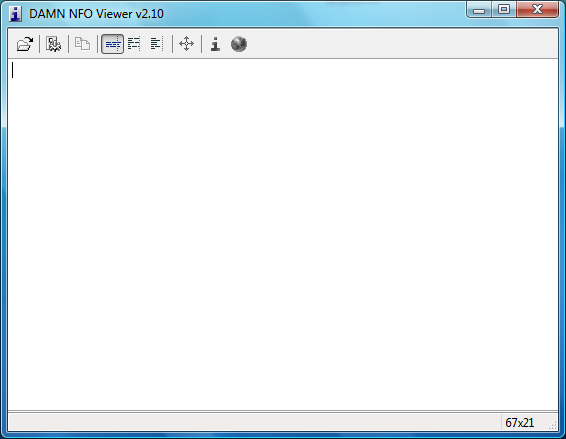
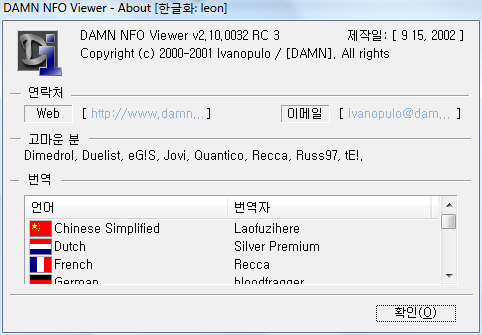
개인적으로 NFO파일 뷰어중 가장 쓸만하다고 생각하는 DAMN NFO Viewer 한글판입니다.
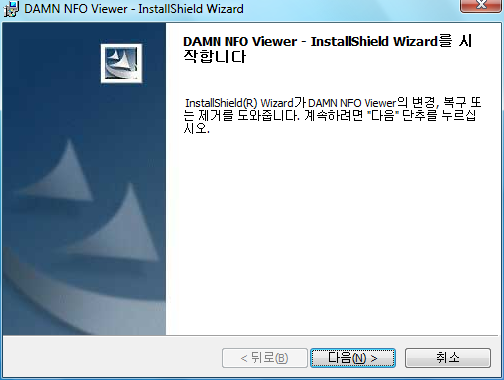
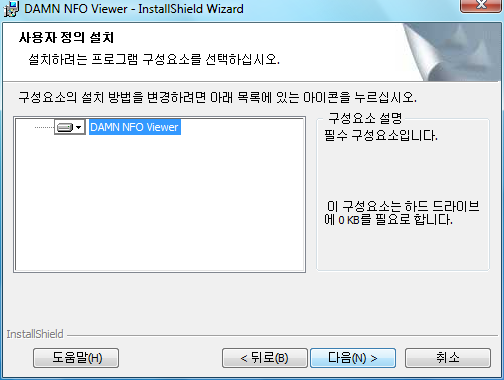
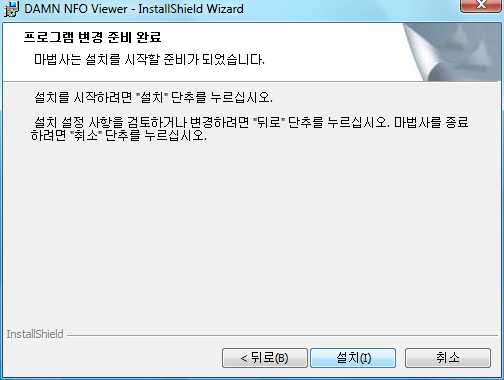
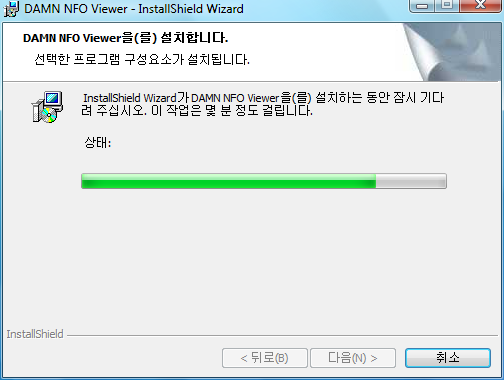
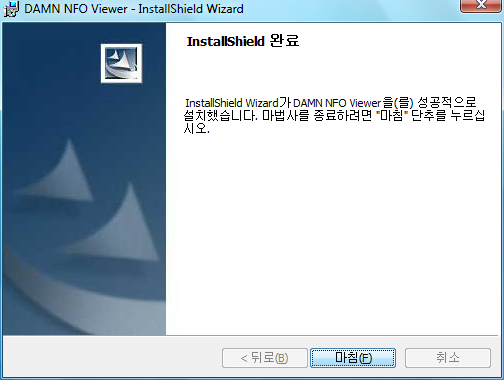
설치를 진행합니다.
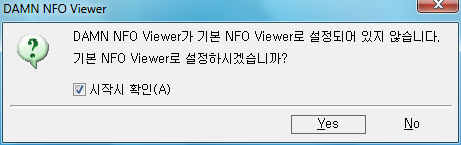
설치 후 처음 실행하면 기본 NFO뷰어로 설정할지 물어보는 창이 뜹니다.
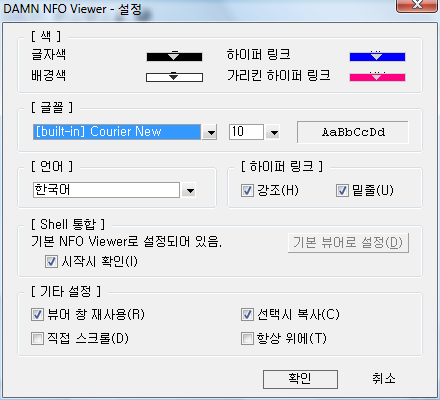
한글판으로 설정에서 다양한 설정을 쉽게 할 수 있습니다.
This file contains a few tips that can help you ;)
Pressing Alt+R or Ctrl+R invokes Most Recently Viewed list menu.
Pressing ESC or Alt+X quits the program.
If you're not happy about 500Kb file size limit, you can remove it by setting
HKEY_CURRENT_USER\Software\DAMN\DAMN NFO Viewer\MaxFileSizeKb to 0
If you want to use other fonts for viewing (installed on your system), set
HKEY_CURRENT_USER\Software\DAMN\DAMN NFO Viewer\BuiltinFontsOnly to 0
(this may increase program's startup time on Asian/Arabic versions of Windows XP)
There's no help file. Instead, please use the Settings dialog's tooltips. They contain detailed descriptions of corresponding settings.
To uninstall the program, go to its directory and run UnInstall.exe.
If you want to suggest a feature or report a bug, please go to http://www.damn.to and drop your message in 'DAMN Software' forum.
 NFO파일보기한글판.exe